Ragdoll MMA Controls Guide
Every PC and mobile binding that matters in the RFC cage — plus why camera aim decides your punches.
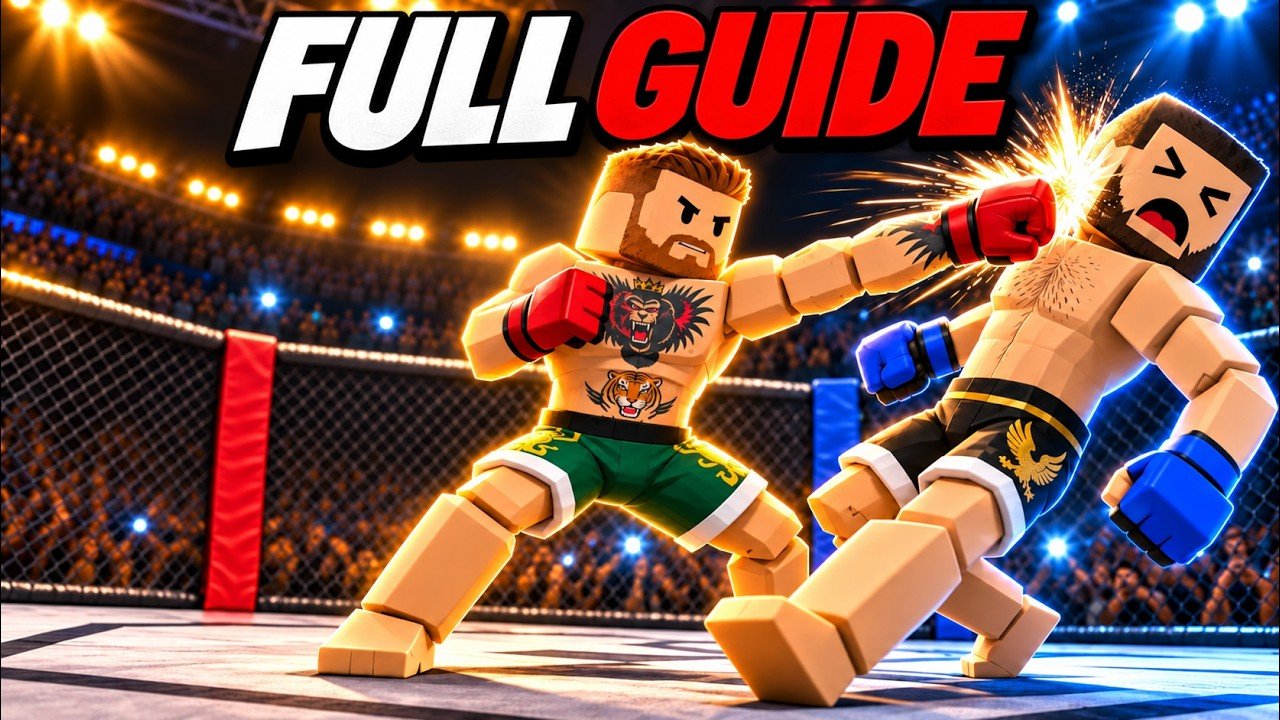
Ragdoll MMA combat is physics-first. Buttons start the action, but camera direction finishes it. If you only memorize key names and ignore aim, punches sail wide, kicks glance off, and grabs miss the torso you thought you had. This page is the full controls reference for PC and mobile, with practical notes for Practice and Easy bot training.
Before any Fight Now queue, open Controls from the main menu. The live menu is the source of truth for your current build — especially while the game is in early development and title tags like [BIG UPDATE] appear. Use this wiki chart as a study sheet, then confirm in-client.
If you are brand new, pair this page with Getting Started. After inputs feel natural, specialize with Grappling and Striking.
PC controls
| Action | Input | Notes |
|---|---|---|
| Punch | Hold LMB or RMB + aim with camera | Left and right fists; release timing and camera yaw matter |
| Kick | Hold Q or E + aim with camera | Left/right kicks / roundhouse-style arcs |
| Grab | G (toggle) | Turns clinch/grapple state on or off — do not leave it stuck |
| Dive | X | Level change / dive entry |
| Crawl | WASD while down | Create space or recover when grounded |
Punching on PC
Hold left mouse or right mouse to throw that side’s punch. While holding, steer with the camera so the fist travels into the opponent’s head or body. Small camera adjustments beat wild 360 spins. In Practice, stand still and throw ten lefts, ten rights, then alternate while slowly strafing.
Kicking on PC
Hold Q or E with camera aim for kicks. Roundhouse-style swings need space — if you are chest-to-chest, a punch or grab often beats a big kick windup. Use kicks when you have a step of distance or after a reset from the fence.
Grab toggle
G toggles grab. Beginners forget the toggle and either never clinch or stay stuck in grab intent. Drill: tap G to engage, move with the clinch, tap G again to release, then strike. Wrestling mode is the cleanest place to master this without kick spam — details in the grappling guide.
Dive and crawl
X dives. Use it to change levels, chase a grounded opponent, or scramble. When you are the one on the mat, WASD crawl is survival: create angle, spoil their ground-and-pound posture, and look for a chance to get up. Ignoring crawl is how Easy bots suddenly look hard.
Mobile controls
| Action | On-screen control | Notes |
|---|---|---|
| Punch | L PUNCH / R PUNCH | Hold and aim with camera look |
| Kick | L KICK / R KICK | Same camera-driven idea as PC |
| Grab | GRAB | Toggle behavior — check state before you panic |
| Dive | DIVE | Level changes and scrambles |
| Move / crawl | Movement stick / pad while down | Crawl when grounded |
Mobile fighters should lower camera sensitivity until punches track heads consistently. Fat-finger mistakes usually come from hitting GRAB when you meant kick, or diving into the fence. Practice mode is less noisy than a full player lobby when you are still learning the touch layout.
Camera aim is the real skill
Every major strike description in Ragdoll MMA includes camera aim for a reason. Think of the hold button as “charge/send limb” and the camera as “trajectory.”
Useful habits:
- Track the chest, then flick to the head for finish attempts once you are already landing body shots.
- Stop holding a punch if the opponent ducks out of frame — completing a blind swing telegraphs the next exchange.
- Re-center after a kick so the next punch does not fire into empty air.
- In clinch range, prefer short camera moves — huge pans disconnect your fists from the target.
Stand and Bang mode forces you to live with these habits without grab escapes. Queue it after you can land clean Easy-bot combinations; see Striking.
Round timing and control choices
Matches use three one-minute rounds. That is not much time to experiment mid-fight. Decide your first exchange before the bell: jab entry, kick check distance, or grab probe. If you eat a knockdown, crawl immediately instead of mashing punch buttons from the floor.
Decisions matter when nobody gets a knockout or bone-break finish. Clean, visible connections and control usually beat flailing. Still, the fantasy of Ragdoll MMA includes X-ray finish replays — learning which camera angles actually trigger big reactions is part of the fun.
Practice → Easy bot control drills
Follow this loop from the getting started path:
- Practice (5 minutes): Only punches + camera. No kicks.
- Practice (5 minutes): Only Q/E or L/R kicks + camera.
- Practice (5 minutes): Grab toggle on/off, then dive once, then crawl after a voluntary dive.
- Easy bot (full match): Mix tools, but call your shots. After each round, name one input that felt wrong.
- Repeat Easy until crawl recovery and grab release are automatic.
Then open Wrestling for grab-heavy reps or Stand and Bang for pure strikes. Team 2v2 / 3v3 modes multiply chaos — save them until solo controls are stable.
Platform tips and early-dev caveats
- Re-open Controls after big updates. Early development means bindings or labels can shift even if the fantasy stays the same.
- Do not remap expectations from other ragdoll games. Ragdoll Fight and Ragdoll Boxing 3D are different products; their keybinds and physics will mis-teach you.
- Spectate Fights when confused — watching another player’s camera discipline teaches faster than rereading a chart.
- Cosmetics do not replace aim. Tattoo Studio, Personal Gym, Jewelry, Fighter Colors, Premium Fight Gear, and Victory Pack change looks or progression flair; they are not a substitute for Practice reps.
Related pages
- Guides Hub — full tutorial index
- Getting Started — first-hour plan and mode overview
- Grappling — grab, Wrestling mode, ground control
- Striking — boxing, kicks, ground-and-pound striking
- Updates — patch context when something feels different
Master the menu Controls screen, then make Practice boring. When inputs are boring, live RFC cage fights finally become readable.
Frequently Asked Questions
Quick answers to the most common questions.
Where do I see the official control list in-game?
Open Controls from the main menu before fighting. Always re-check after large updates while the game is early in development.
How do punches work on PC?
Hold LMB or RMB for left/right punches and aim with the camera. The hold starts the strike; camera direction steers it.
Is grab a hold or a toggle?
Grab is a toggle (G on PC, GRAB on mobile). Tap to engage or release — leaving it on by accident confuses movement and clinch timing.
How do I move when I am knocked down?
Crawl with WASD on PC or the mobile movement control while grounded. Crawling helps you spoil ground-and-pound and recover.
What is the best mode to learn controls?
Practice first, then Fight a Bot on Easy. Use Wrestling to isolate grab and Stand and Bang to isolate strikes.
Do mobile controls use the same camera idea?
Yes. L/R PUNCH and L/R KICK still depend on where you look. Lower sensitivity until your strikes track consistently.